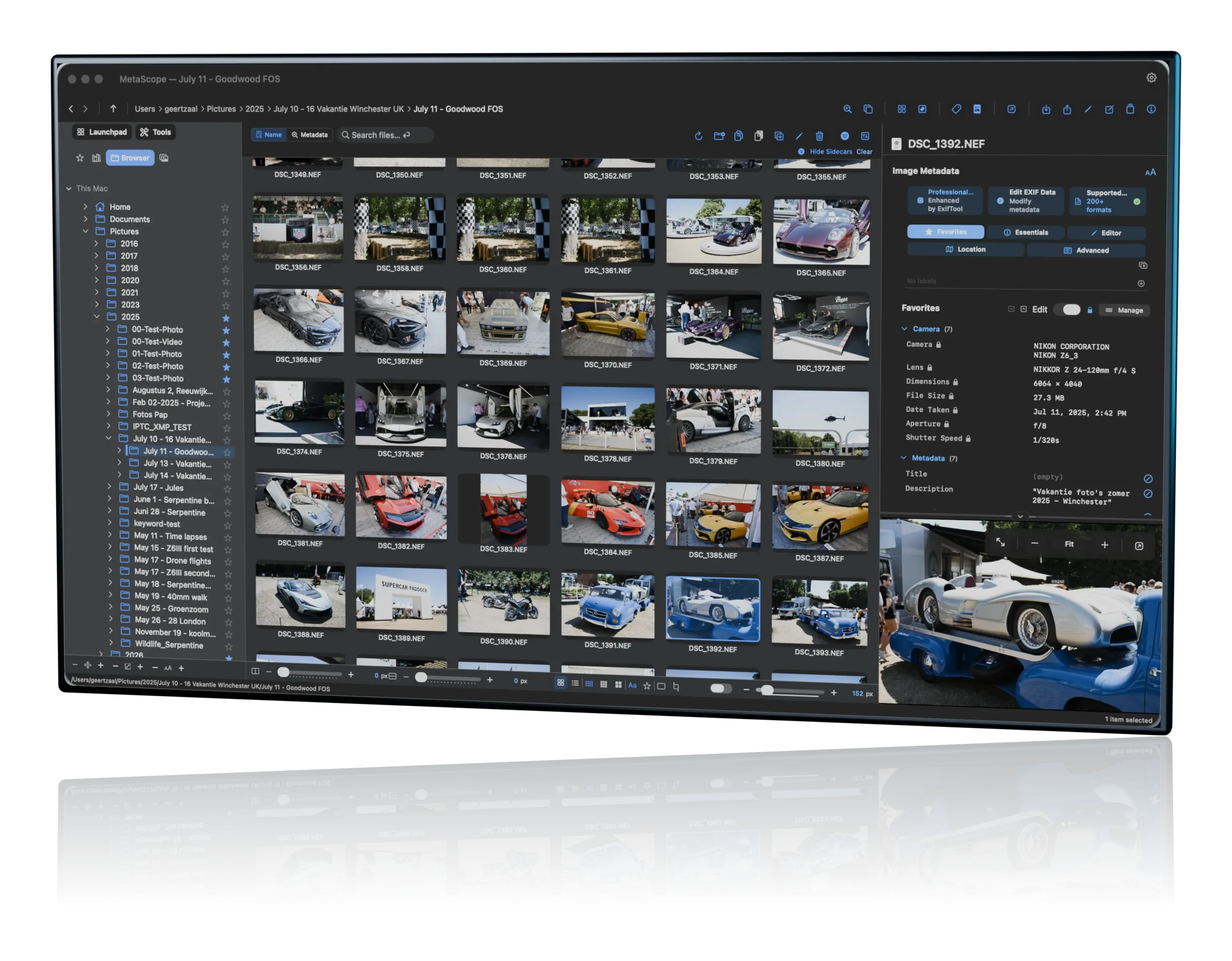
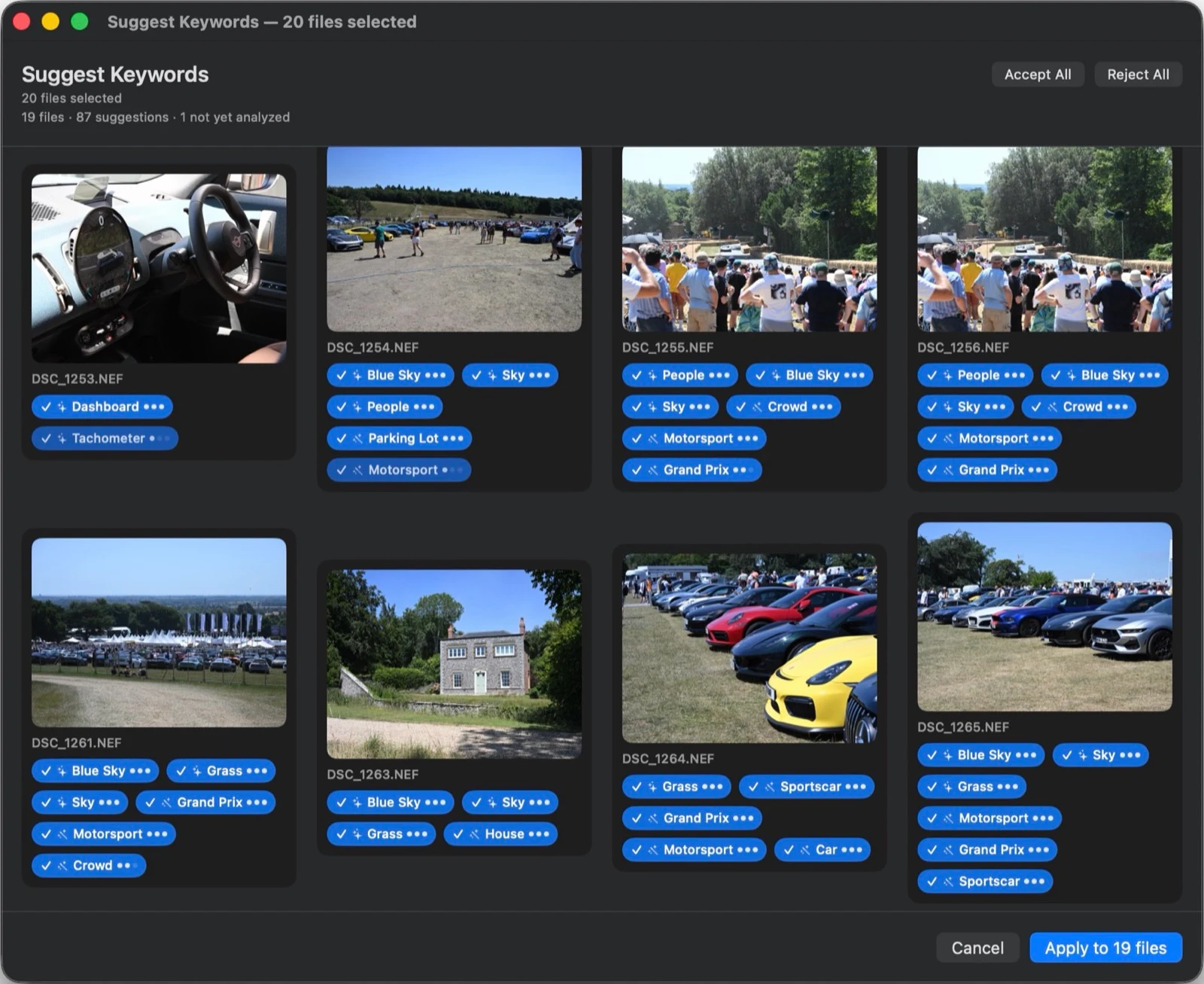
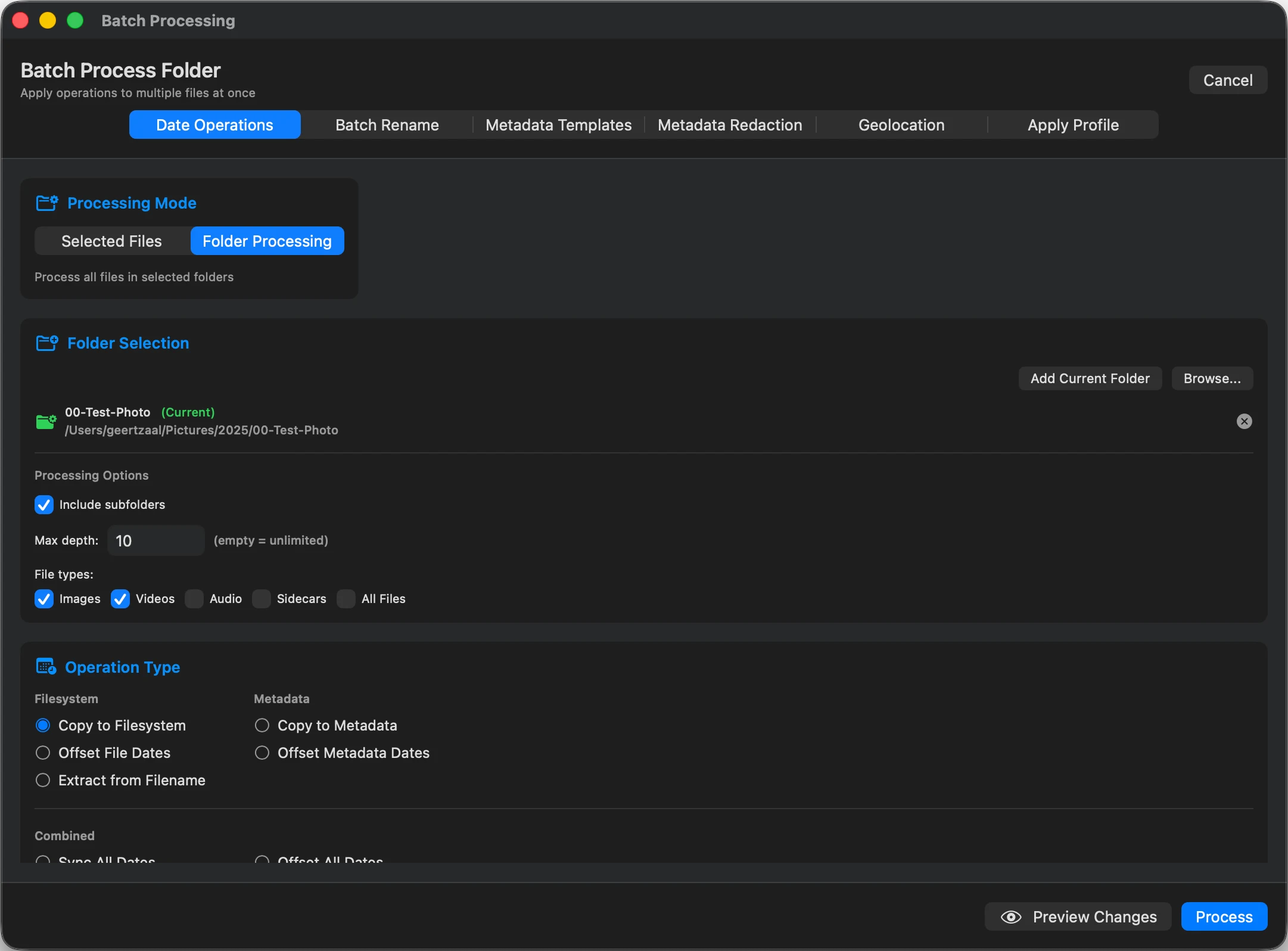
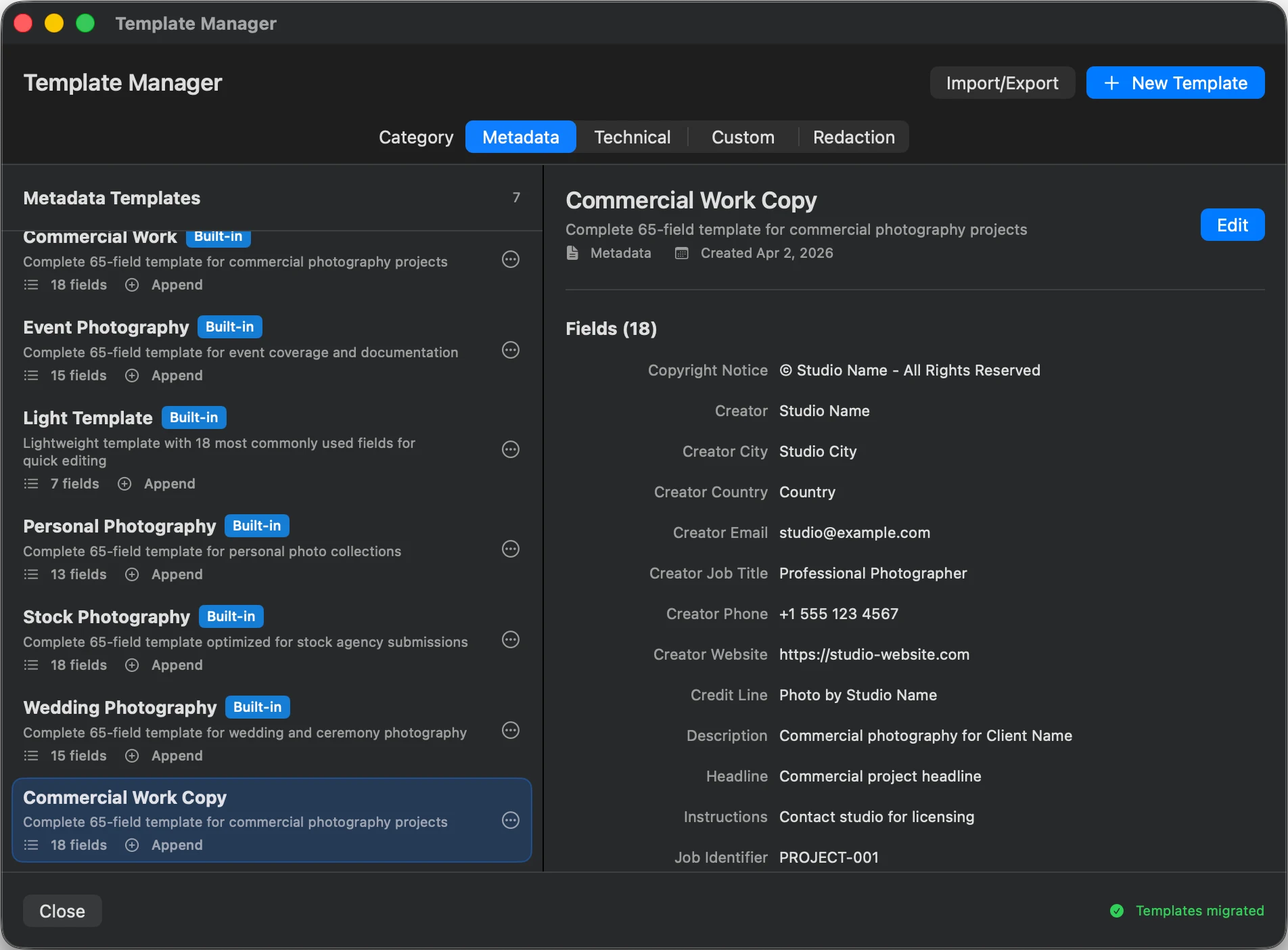
I have tried all the tools available out there. MetaScope is one of the most impressive software pieces around, the only one deserving the label of a true metadata studio, IMO. Besides being the only "aesthetic" metadata tool I know (one you want to work with!) it also has a truly uniquely useful architecture and UI/UX concept.
All that while it is genuinely geared to professional work by now even topping the known "boss types" in the field, when it comes to thorough, systematic and ergonomic use. Where other (leading) tools offer boxes and dropdowns dreadful to turn to, MetaScope lays out a luxurious workbench, inviting one to true artisanship (and a drink). This will be the benchmark soon, if it keeps on track…!